Flamecraft Tools Hub
Checklists and planners that complement the demo while you learn shops, dragons, and enchantments.
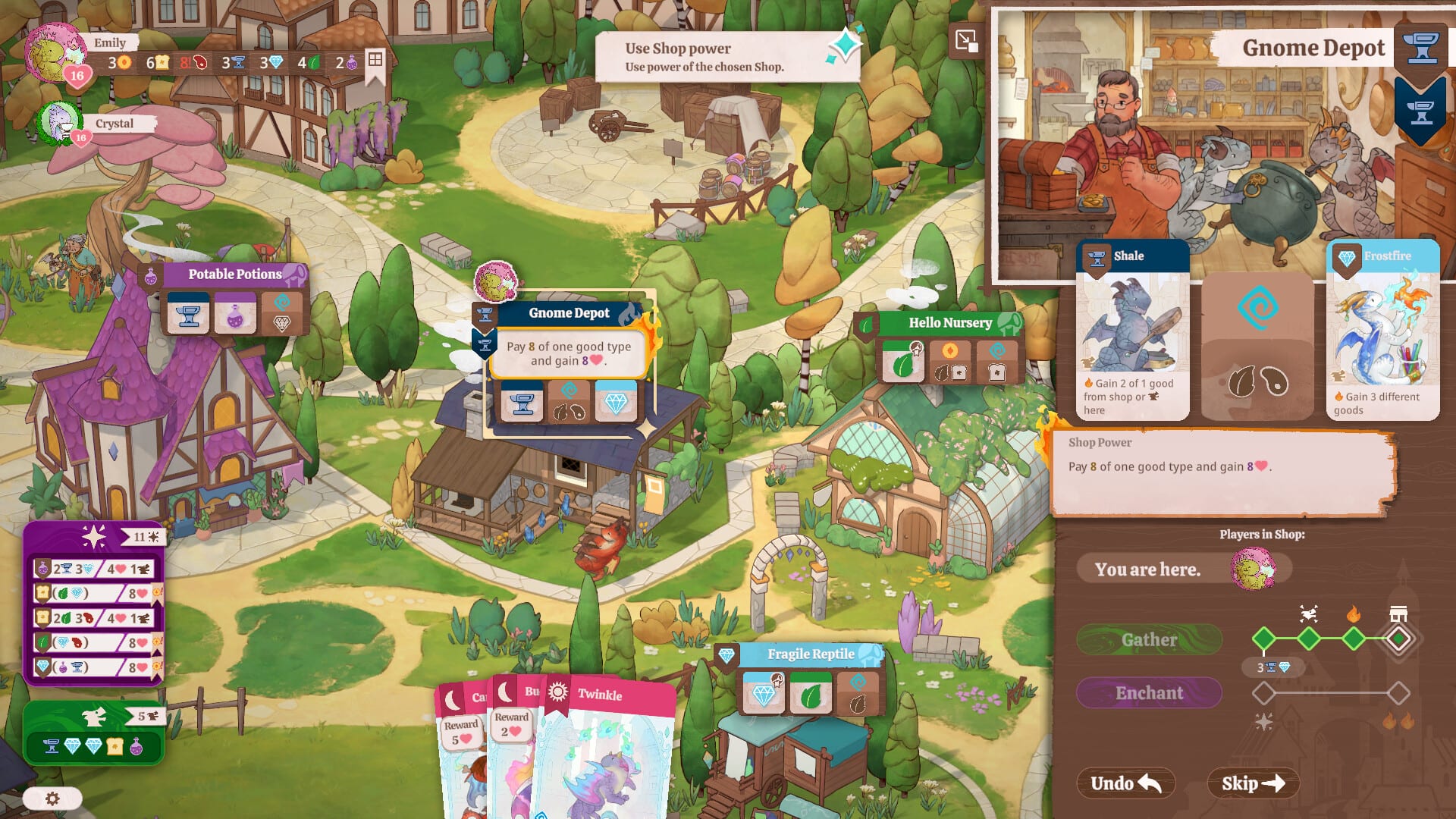
Strategy board games shine when players can see the whole turn before committing resources. Flamecraft’s digital demo already tracks many values automatically, but veteran tabletop fans still want paper-style planning during learning sessions or when five friends pass a single controller. This hub links the wiki’s lightweight tools—no login, no spoilers beyond what the demo shows.
Resource Checklist
Start with the Resource Checklist when you are learning which goods feed which enchantments. The checklist mirrors the gather phase: mark what you have drawn, what shops still need, and which artisan dragons supply bonuses you have not activated yet. It pairs naturally with Artisan Dragons and How to Enchant so you stop over-buying during early reputation pushes.
Turn Planner
The Turn Planner is for sequencing multi-step turns—especially when you chain enchantments, dragon fire-ups, and reputation scoring in one round. Use it while studying Combo Strategy or rehearsing endgame lines from How to Win Reputation. Solo players can plan quietly; local groups can sketch one planner sheet per player before handing off the controller.
When to use tools versus in-game UI
The demo UI already validates legal moves, which prevents illegal enchants but not inefficient ones. Tools help you think faster than the animation layer allows. They do not replace reading How to Play or running the Demo Walkthrough—they accelerate repetition once rules make sense.
Platform context
Install the demo from Platforms & Demo on Steam (4247130 on PC), PlayStation 5, Xbox Series X|S, or Switch while the full game remains upcoming (September 17, 2026 on the Switch listing). PC players on Windows or Mac should confirm comfort settings in Controls before long planner sessions.
Multiplayer and solo workflows
Local multiplayer supports up to five players; give each person a planner column so turns stay short. Solo players can treat the checklist as a journal across multiple in-game weeks. The full game is expected to add online matchmaking later; these printable tools remain useful for studying metas before you queue remotely.
Keep tools updated
When Monster Couch patches the demo or releases the full build, revisit Release Info and Demo Review for rule tweaks that might add new resource types. Adjust your printed sheets accordingly. For strategic framing, cross-link Beginner Tips whenever you introduce a new player to the tools hub.
Printing and accessibility
Browsers print these tool pages cleanly if you disable background graphics. Increase font size before printing for players across the couch. Screen-reader users should prefer the in-game UI for live counts but can still skim headings here for workflow reminders tied to How to Play.
Seasonal refresh checklist
Before each game night, confirm everyone patched the demo via Platforms & Demo, reprint checklists if shop icons changed, and erase old planner templates that reference removed dragons from Demo Review patch notes.
Use the Bot Practice Planner to structure drills against the demo’s three bot difficulties before hosting humans.
Frequently Asked Questions
Quick answers for new Flamekeepers.
Do these tools need an account?
No—they are wiki pages you can read or print. Use them alongside the free demo from Platforms & Demo.
Which tool should beginners open first?
Start with the Resource Checklist, then graduate to the Turn Planner after How to Play.
Are tools allowed in local tournaments?
House rules vary. Agree with your group before using planners during timed couch sessions.
Will tools cover matchmaking metas?
When online matchmaking launches, update your plans using Release Info and strategy pages like Combo Strategy.